Colour analysis from a photo — find your colour season
Take a photo in the app to discover one of 12 colour seasons and save a personal palette you can use whenever you shop.
QUICK COLOUR-SEASON CHECK
Get an initial colour-season direction in 3 questions
No photo and no registration. Treat the result as an initial clue.
The app download and basic colour test are free.
Explore all 12 colour seasons and their best colours
Choose a season and subtype to preview colours that harmonise with its temperature, depth and intensity.
Cool Winter
Well-known example: Anne Hathaway
Classic cool contrast with blue-based skin, dark cool hair and a crisp, high-definition effect.
How does online colour analysis work?
Learn how to prepare a photo, how the 12-season system works and what to expect from an online analysis.
Try virtual colour draping
Compare warm, cool, light and deep colours around your face using the interactive palettes below.
Live Colour Camera
Your colour season and palette
Fewer expensive colour mistakes
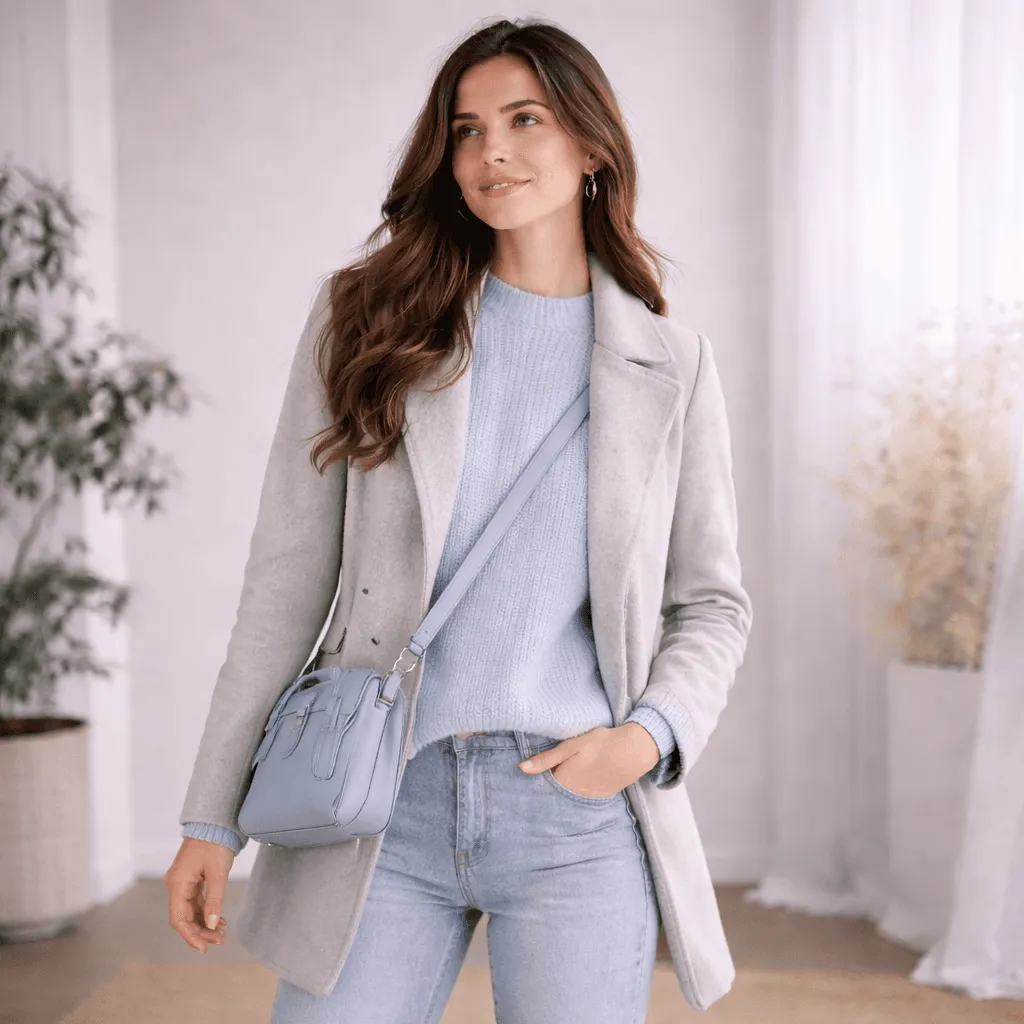
Spring shines in warm, light and fresh shades. Golden colours brighten the complexion, while cool grey and dusty tones can make it look muted.
A colour analysis you can actually use while shopping.
Your result includes
Start your analysis →Your colour season
The app identifies your closest match in the 12-season system using the visible features in your photo and your answers.
A personal digital colour palette
Save a practical palette on your phone and check it while shopping or building outfits.
A free test and result preview
Try the free path and see how the result and palette work before choosing any additional report.
Photo-based colour analysis
Use a daylight selfie without filters or heavy make-up to reduce artificial colour shifts.
Practical styling guidance
Learn how to combine colours and choose clothing, make-up and hair shades that support your natural colouring.
How does photo colour analysis work?
Go from a daylight selfie to your colour season and personal palette in three simple steps.
Start your analysis →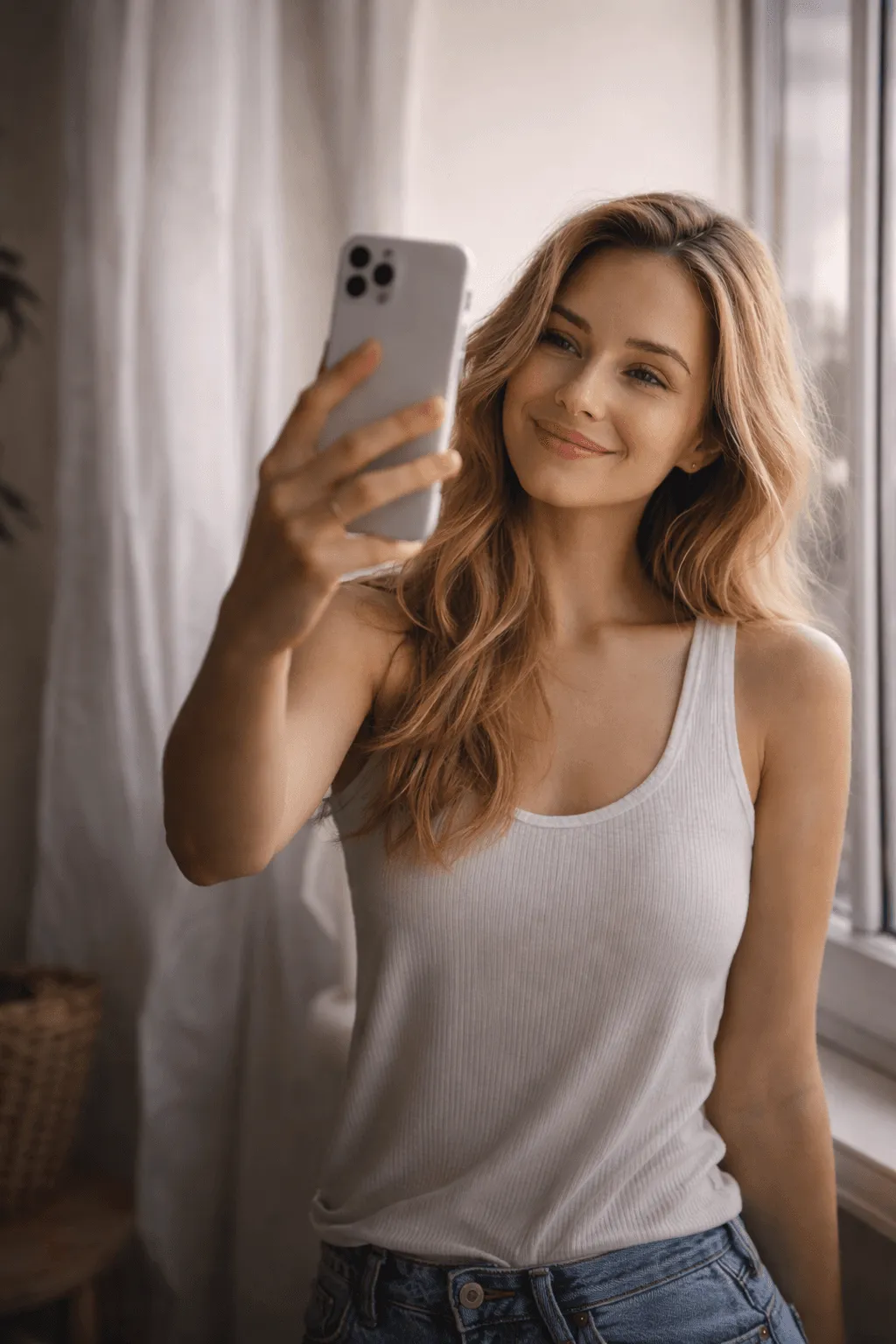
Download the free app
Open the App Store or Google Play and keep your personal palette with you wherever you shop.
Take or upload a photo
Use a front-facing selfie in natural daylight, ideally without make-up or filters.

Discover your colour season
The analysis matches you with one of 12 palettes across Spring, Summer, Autumn and Winter.
A small colour change can make a big visual difference.
Random colours
- The face can look more tired
- The complexion may appear dull or grey
- Redness and shadows become more noticeable
- Clothes dominate instead of supporting you
- Basics and accessories are harder to combine
Your colours
- The face looks fresher and brighter
- Skin appears calmer and more even
- Eyes and smile become more expressive
- Clothes support you rather than overpower you
- Shopping gets easier because you know what to test
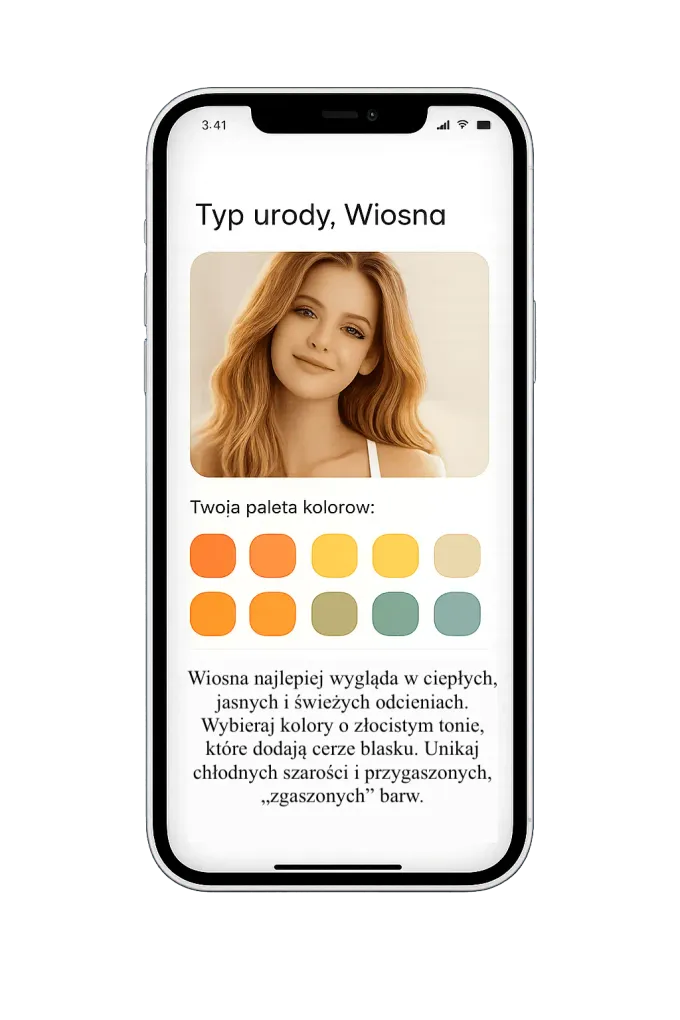
See a colour analysis result in the app
Watch how a colour season and its matching palette appear on a phone.
How colour analysis works and what your result means
Understand the method, the 12 colour seasons and how to use a palette for clothing, make-up, hair and accessories.
What is colour analysis?
Colour analysis compares clothing, make-up and hair colours with your natural skin undertone, eye colour and hair colour. The goal is to identify shades worth testing near your face.
How does online colour analysis work?
A clear selfie in natural daylight is the starting point. The analysis considers temperature, depth and chroma before suggesting the colour season that best matches your visible features.
You can complete the analysis anywhere and keep the result and palette on your phone.
What do you receive?
You receive a colour-season result and a practical palette for shopping and outfit planning. Treat it as a useful comparison tool, not a ban on colours you love.
Four seasons and 12 colour seasons
The 12-season system expands Spring, Summer, Autumn and Winter into light, deep, clear, cool, warm and soft variations. Choose a type to see its detailed palette.
🌸 Spring
Spring is warm, light and radiant, with golden warmth and a fresh, luminous quality.
- Light Spring — Taylor Swift is a well-known example of this colouring.
- Warm Spring — Nicole Kidman is a well-known example of this colouring.
- Clear Spring — Scarlett Johansson is a well-known example of this colouring.
☀️ Summer
Summer is cool, light and muted, with softly blended contrast and an elegant ash-toned quality.
- Light Summer — Elle Fanning is a well-known example of this colouring.
- Cool Summer — Kate Middleton is a well-known example of this colouring.
- Soft Summer — Jennifer Aniston is a well-known example of this colouring.
🍂 Autumn
Autumn is warm, deep and muted, echoing earth, copper, moss, spice and rich natural browns.
- Warm Autumn — Julia Roberts is a well-known example of this colouring.
- Soft Autumn — Drew Barrymore is a well-known example of this colouring.
- Deep Autumn — Eva Mendes is a well-known example of this colouring.
❄️ Winter
Winter is cool, deep and clear, defined by strong contrast and crisp jewel-like colours.
- Cool Winter — Anne Hathaway is a well-known example of this colouring.
- Clear Winter — Megan Fox is a well-known example of this colouring.
- Deep Winter — Penélope Cruz is a well-known example of this colouring.
Why use the app?
The app keeps your palette on your phone, while Live Colour Camera helps you compare a garment with your colours as you shop.
Ready to stop guessing?
Spend less time and money on shades that never feel right.
Start the free testCustomer feedback on the colour analysis
Selected customer comments from the post-analysis survey.
Translated from Polish.
“Very professional, everything clear and easy to read, lots of information”
“Specific information, easy to apply, styling suggestions”
“A very nice and accurate analysis”
Frequently asked questions
Clear answers about online colour analysis and photo-based results.
The free app path uses your selfie and answers to suggest a colour season. An optional individual report uses a more detailed photo and questionnaire review.
Yes. The free path identifies a colour season and gives you a palette. Any additional individual report is optional.
Lighting, make-up, filters and image quality all affect the result. A clear daylight selfie gives the most useful starting point.
Yes. The comparison focuses on how colours interact with your skin and contrast, not only on your current hair colour.
The app is available for iOS and Android. Official App Store and Google Play links appear at the top and bottom of this page.
Timing depends on the report scope and whether all requested materials are complete. The current delivery estimate appears before purchase.
Before work begins, you may withdraw within 14 days of purchase. Once work has started, the rules in our refund and withdrawal policy apply.
No. The result uses practical language for real shopping and everyday outfits, not specialist theory.
The free app path guides you through the steps immediately. Delivery time for an individual report depends on its scope and is shown before purchase.
A questionnaire reflects how you describe yourself. The photo path also evaluates visible skin, hair and eye relationships, although lighting and image quality still matter.
Take a clear daylight selfie in the app. The analysis compares your colouring with 12 seasonal palettes and gives you a practical starting point.
Face a bright window in indirect daylight, remove filters and strong make-up, and keep your face and neck visible. Mention dyed hair in the questionnaire.
It can be a useful starting point when the photo represents your natural colouring accurately. It does not replace in-person fabric draping when the result remains uncertain.
Look for photo-based comparison, all 12 colour seasons, a usable digital palette and a way to check colours while shopping.
Undertone is generally stable, but hair, greying, tanning and contrast can change how a palette is balanced. Recheck the finer subtype if your appearance changes significantly.
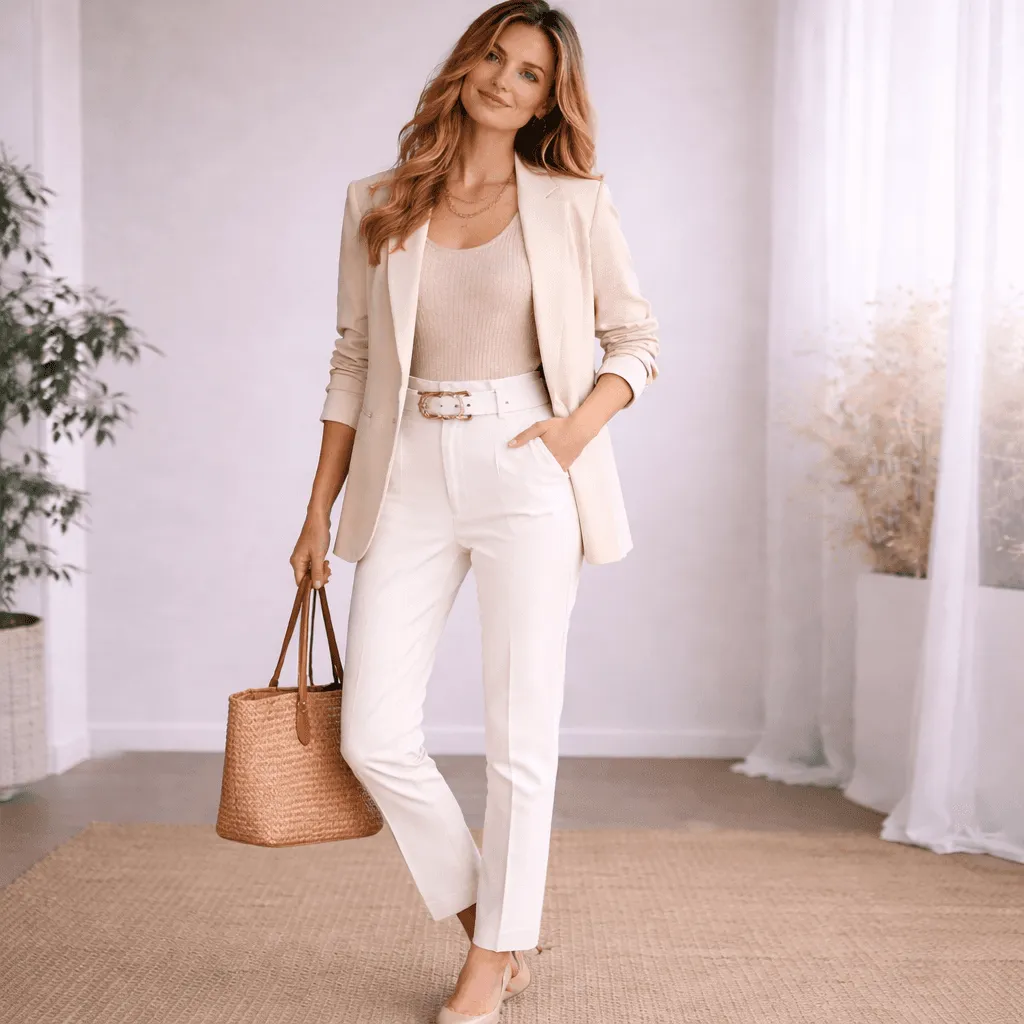
Start wearing your best colours today
Download the app, take a photo and discover your colour season and personal palette.
Get the Colour Analysis App →